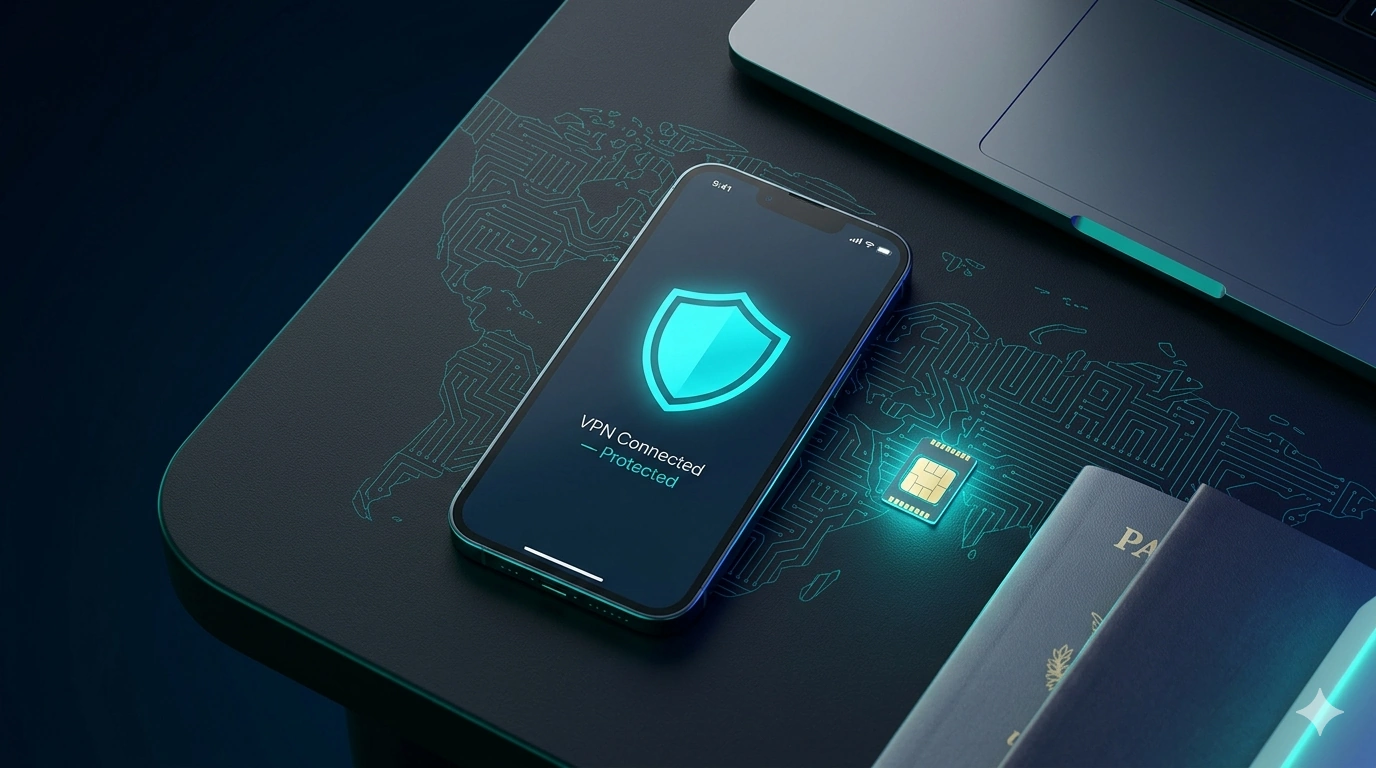
Planning a trip to Asia is genuinely exciting. Whether you're eating your way through Taipei's night markets, island-hopping the Philippines, or working remotely from a beach in Bali, the checklist is long. But amid the flights and the packing, one thing too many travellers leave until the airport gate: digital connectivity and security.
Rely on your home carrier's roaming and you're looking at eye-watering daily fees. Rely entirely on public Wi-Fi and you're opening yourself up to cyber risks and frustratingly patchy speeds. To stay connected smoothly and securely across borders, you want a dynamic duo in your digital pocket: an eSIM and a VPN. Pairing Saily for global data with NordVPN for privacy and unblocking is, in our view, the cleanest travel setup for Asia. Here's exactly why they belong together.
Seamless borders meet unrestricted access
Asia is an incredible patchwork of cultures — and of digital borders. Crossing from Thailand into Cambodia changes your cellular network completely, and regional internet rules mean some of your favourite apps can suddenly stop working the moment you cross a line on the map.
- The eSIM (Saily) means the second your plane touches down in a new country, you have instant local data. No hunting for a SIM kiosk at 2am, no language barriers at the counter. Open the app, choose your destination, activate a plan.
- The VPN (NordVPN) steps in the moment your data turns on. Some Asian countries restrict popular messaging, social or news apps. Routing your connection through a server back home — or in a nearby unrestricted country — lets you bypass local blocks entirely.
Guarding your data on public Wi-Fi
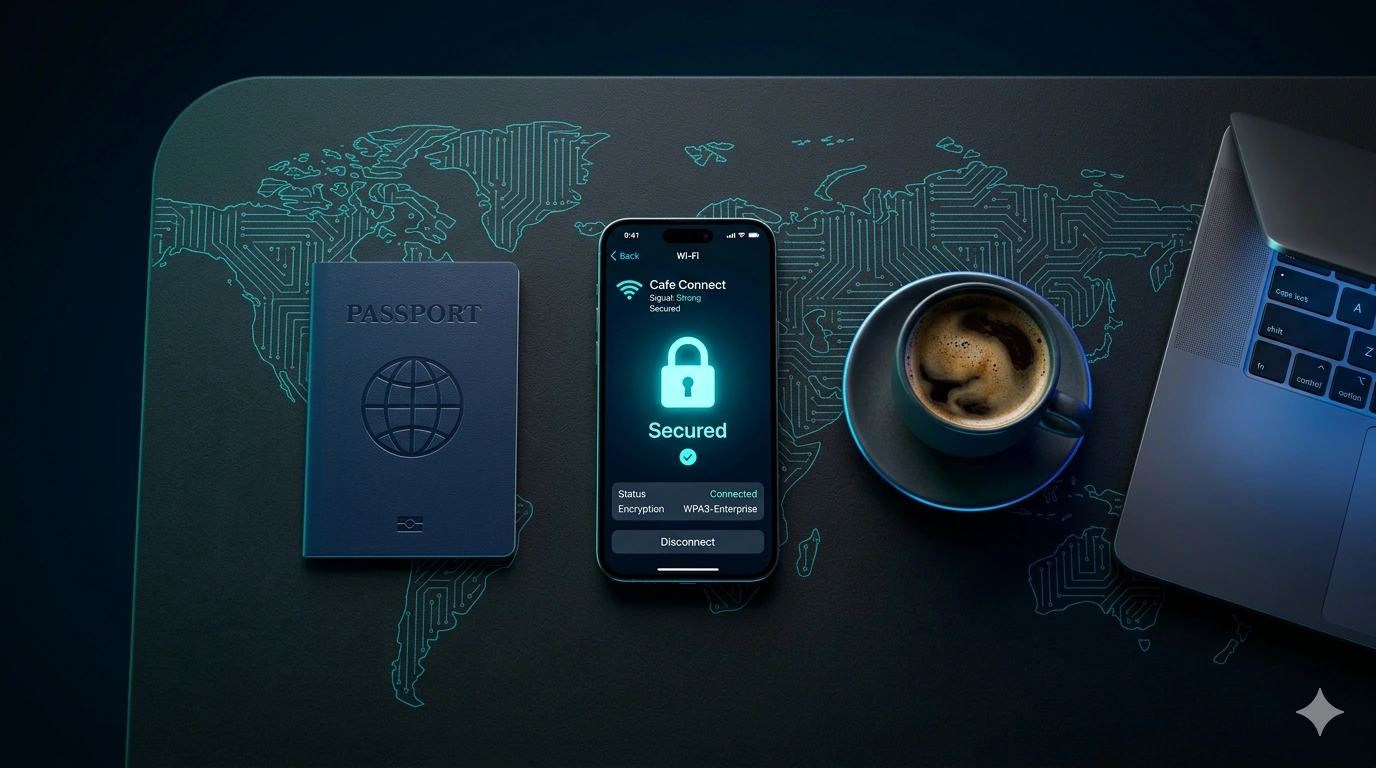
An eSIM gives you local cellular data, but you'll inevitably hop onto public Wi-Fi at cafés, hotels and train stations to save your allowance or download something heavy. Café culture is huge across hubs like Seoul, Tokyo and Bangkok — and unencrypted open networks are a playground for "man-in-the-middle" attacks, where someone on the same network intercepts your passwords, bank details and emails.
Because Saily and NordVPN are both built by Nord Security — the same company behind NordVPN's 100M+ users — they sit together neatly. Saily keeps you off unverified local networks by giving you affordable cellular data in the first place, while NordVPN acts as an encrypted tunnel for the times you do use public Wi-Fi. It scrambles your traffic so that even if someone is monitoring the café network, all they see is gibberish.
Beating location-based app lockouts
Ever tried logging into your banking app or streaming service from a brand-new continent? Many security systems flag sudden logins from foreign IP addresses as fraud and lock you out — usually right when you need to pay for a hostel or book a domestic flight.
Pairing Saily's reliable connection with NordVPN's server network lets you set your virtual location to your home country. Your bank, your Netflix account and your work email behave as if you never left your living room — sparing you frozen accounts and endless two-factor loops while you're on the road.
The duo, side by side
You don't need both to be from Nord Security — any reputable eSIM and VPN will do the job. But the Saily + NordVPN pairing is the easiest to recommend because the two are designed by the same team and bill under the same ecosystem. Here's how each earns its place on your phone.
Saily
★ The eSIM · Instant DataNord Security's travel eSIM covers 200+ countries and regions, with consistently low per-GB pricing and a few genuinely useful security extras baked in — ad and tracker blocking, plus malware protection. For Asia it's an easy pick: data only (so your home number stays put), instant activation, and painless in-app top-ups if you run low mid-trip.
Pros
- Sharp per-GB pricing
- Built-in security features
- Instant activation & top-ups
Cons
- Data only (no number)
- Newer in remote-area coverage
NordVPN
The VPN · Privacy & UnblockingThe privacy half of the duo. NordVPN encrypts your traffic on untrusted networks, lets you set your virtual location to bypass blocks and unlock home streaming, and runs on its lightweight NordLynx protocol (built on WireGuard) so battery drain is negligible. One subscription covers your phone and laptop.
Pros
- Strong encryption on public Wi-Fi
- Unblocks home streaming & apps
- Lightweight, low battery use
Cons
- Mainland China needs setup first
- Separate subscription to the eSIM
How to set it up before you fly
Getting your digital toolkit ready takes less than ten minutes — and the golden rule is to do it on home Wi-Fi before you leave, not at the destination.
Travelling through Asia should be about hidden street-food stalls and ancient temples, not lost signals, hacked passwords or blocked websites. Download Saily for instant, affordable data and secure it with NordVPN, and you've guaranteed yourself a stress-free digital experience from the bustle of Tokyo to the beaches of Thailand. Safe travels.