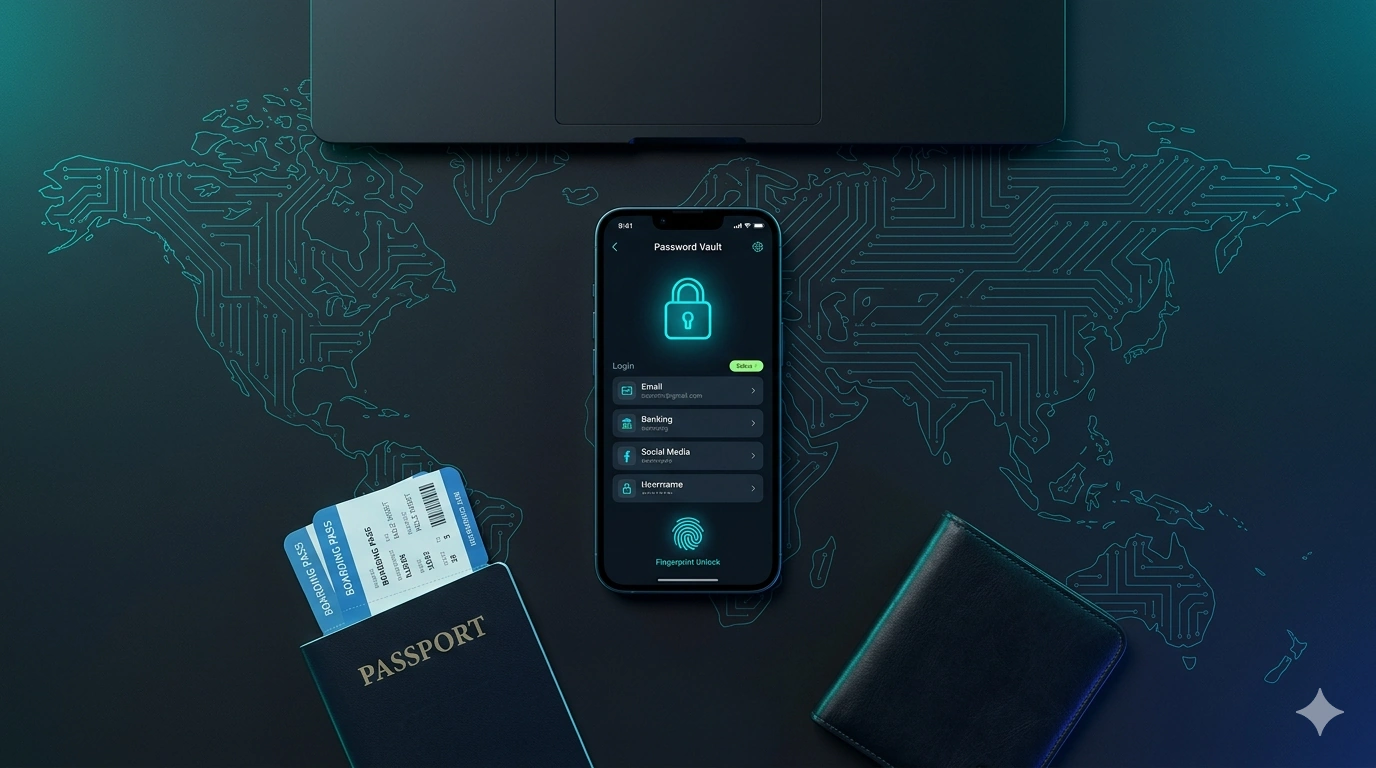
We talk a lot about staying connected when you travel — the right eSIM for data, a VPN for security. But there's a quieter problem that ruins more trips than a dropped signal ever will: your passwords.
On the road you log into more accounts, on more networks, on more devices than you ever do at home — booking sites, airline apps, banking, your inbox, two-factor codes, last-minute hostel reservations. Reuse one weak password across them and a single leak can cascade. Store them in your phone's Notes app and you're one lost handset away from disaster. A password manager fixes both problems, and NordPass — from the same Nord Security team behind NordVPN — is one of the cleanest, best-value options for travellers in 2026.
Why a password manager matters more when you travel
- You log in from untrusted networks. Café and hotel Wi-Fi is a hunting ground for credential theft. Strong, unique passwords mean one compromised account can't unlock the rest.
- You juggle phone and laptop. A manager syncs your vault across devices, so the password you saved on your laptop is there on your phone when you need it at the airport gate.
- Foreign-IP logins trigger 2FA constantly. Storing your two-factor codes and recovery details in one secure place stops the dreaded lockout loop.
- You share logins with travel companions. Secure sharing beats texting the Airbnb password to the group chat.
- Lost documents happen. An encrypted copy of your passport, insurance and tickets can save a trip if the originals go missing.
What NordPass actually does
NordPass launched in 2019 and has grown into a genuinely capable manager. Under the hood it uses XChaCha20 encryption with a zero-knowledge architecture — your vault is encrypted on your own device and your master password never reaches NordPass's servers, so not even their staff can read your data. Here are the features that matter most on a trip:
Plans & pricing (2026)
| Plan | From | Devices | Best for |
|---|---|---|---|
| Free | $0 | 1 at a time | Trying it out / single-device storage |
| Premium | ~$1.49/mo | Unlimited | Most travellers (phone + laptop) |
| Family | ~$2.58/mo | Unlimited | Up to 6 people / travelling together |
Prices are approximate, billed annually and subject to change — promotional rates are common. Premium adds the Data Breach Scanner, Password Health, file attachments and cross-device sync over the free tier. Check the current rate before subscribing.
NordPass
★ Best Value Password ManagerA simple, fast, genuinely secure manager from Nord Security. XChaCha20 encryption, zero-knowledge design and passkey support put it on a par with the big names, while the price undercuts most rivals. The free plan is fine to test, but the single-device limit means travellers will want Premium for phone-and-laptop sync, breach alerts and document storage.
Pros
- Strong, modern encryption
- Cheaper than most rivals
- Breach scanner + password health
- Stores documents & passkeys
Cons
- Free plan limited to 1 device
- Fewer power-user extras than 1Password
The complete travel security trio
Think of it as three small apps that each cover one gap, set up once before you fly:
- An eSIM (like Saily) — instant local data so you're never forced onto sketchy Wi-Fi in the first place.
- A VPN (like NordVPN) — encrypts the connection when you do use public networks, and unblocks home apps.
- A password manager (NordPass) — keeps the keys to all those accounts strong, unique and with you on every device.
We covered the first two in our eSIM + VPN travel guide. NordPass is the piece that ties the kit together.
How to set it up before you fly
NordPass is fast, properly encrypted and cheaper than most of its rivals, which makes it an easy add to any traveller's kit. Pair it with a good eSIM and a VPN and you've covered the three things that actually go wrong on the road: losing signal, losing privacy, and losing access to your own accounts. Set all three up before you fly and you can forget about them. Safe travels.